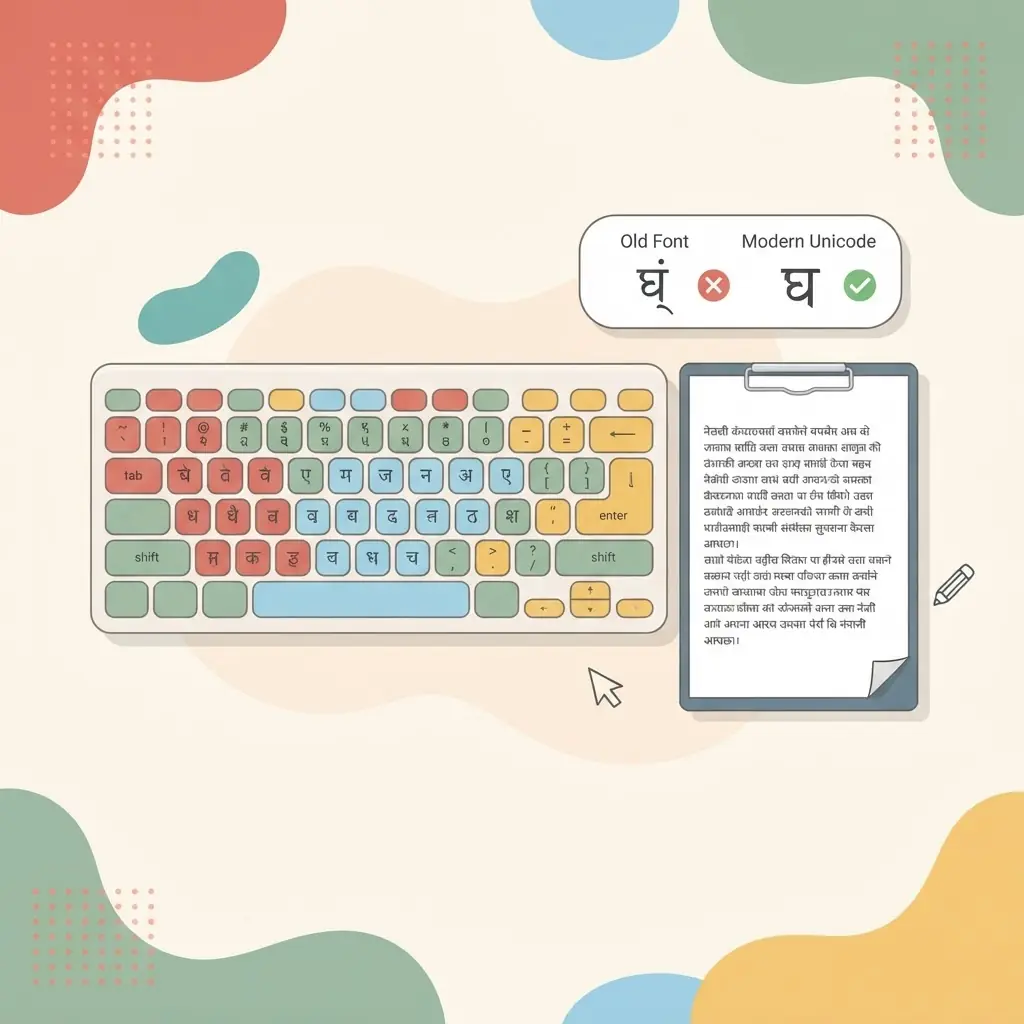
How to type in Nepali
There are two common ways to write Nepali on a computer or phone. This guide explains both, so you can pick the one that fits how you think — and start practising for free.
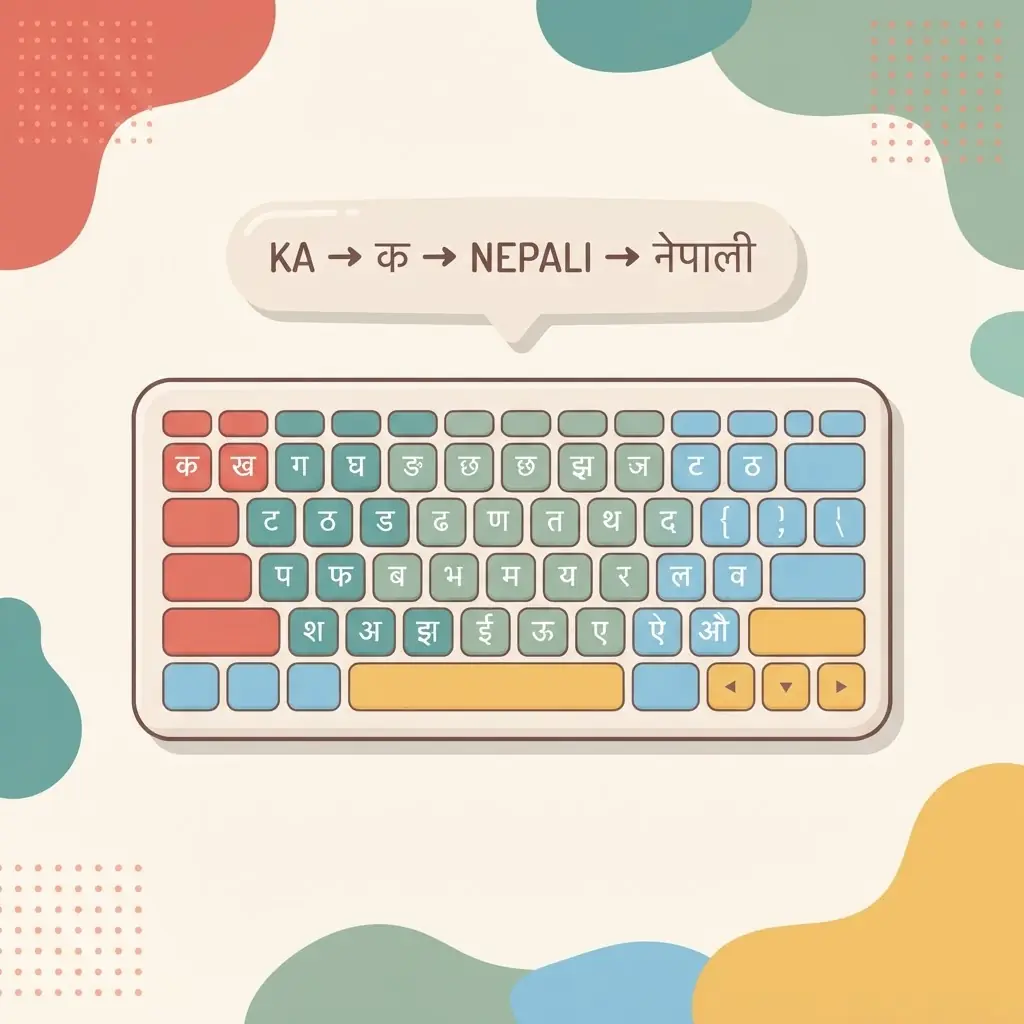
The two ways to type Nepali
Almost everyone who types नेपाली uses one of two methods:
- Traditional Nepali keyboard (Unicode). Each key on your keyboard maps to a fixed Devanagari character. It feels like a “real” keyboard layout: once your fingers learn where each letter lives, you can type quickly without thinking in English at all.
- Romanized input (transliteration). You type the sound in English letters — for example namaste — and it is converted to नमस्ते. This is the easiest way to start if you already type English.
Which one should you learn?
If you only need to write Nepali occasionally, romanized input is quick and forgiving. If you want to type Nepali often, faster, and for exams or work, learning the Traditional layout pays off — it removes the guessing step and lets you touch type. The good news is you do not have to choose forever. On ShreePrati you can switch between the two at any time using the toggle in the top bar.
How to start with the Traditional layout
- Open the Nepali typing lessons.
- Begin with the first consonant groups (क वर्ग). The on-screen guided keyboard highlights the next key and the finger-colour guide shows which finger to use.
- Keep your eyes on the screen, not your hands. Let the animated hands show the movement.
- Move on only when a lesson feels comfortable — accuracy first, speed later.
- When you can type words, take a short speed test to see your WPM and accuracy.
How to start with romanized input
Open the Nepali typing tool, switch the input toggle to Romanized, and simply type words the way they sound. Pick the correct suggestion when it appears. It is a great way to write a quick message today while you learn the Traditional layout for the long term.
A realistic first week
Fifteen focused minutes a day beats one long session a week. Spend the first few days on the home-row consonant groups, add a new group each day, then practise real words. Within a week most beginners can type common Nepali words without hunting for keys.
Vowel signs and conjuncts: the two things that confuse beginners
In Unicode Nepali, a vowel sign is always typed after its consonant, even when it is drawn on the left. To write कि, type क first and then the ि sign; the text shaping puts it in the right place automatically. Conjunct letters such as क्ष or स्त are built by typing a consonant, the halanta (्) and the next consonant. Once these two rules click, most words that looked difficult become easy to type in either method.
Common problems and quick fixes
- Letters look broken or appear as boxes. The app or website you are pasting into may be using an old non-Unicode font. Unicode text displays correctly in modern browsers, email and social media without extra fonts.
- The wrong vowel sign appears. Check the order: consonant first, sign second. Typing the sign first leaves it floating on its own.
- Romanized output is not the word you meant. Choose another suggestion or adjust the spelling slightly; transliteration guesses from sound, so a small change often gives the right word.
- You keep looking at the keyboard. Slow down and let the on-screen guided keyboard show the next key. Accuracy at a calm pace builds speed faster than rushing.
Using your Nepali text elsewhere
Because both methods produce standard Unicode, the Nepali you type can be copied into documents, messages, search engines and forms and will stay readable. Learn more about why this matters in the Nepali Unicode typing guide, and keep practising with Nepali typing games when you want a lighter session.