Nepali Unicode typing explained
Unicode is the modern standard for Nepali text. This guide explains what that means in practice, why it works everywhere, and how it differs from the older Preeti font approach.
What “Unicode” actually means
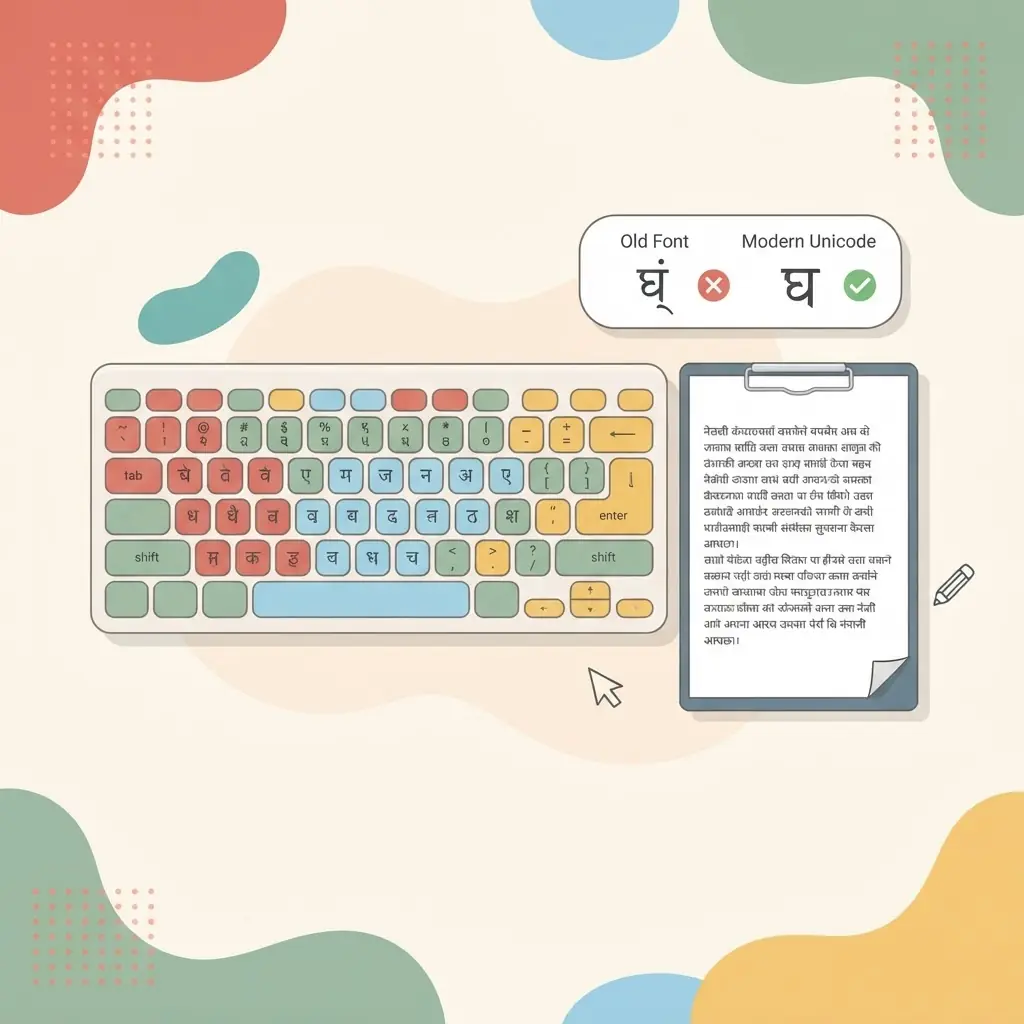
Unicode is a worldwide standard that gives every character its own permanent code — including every Devanagari letter used in Nepali. When you type in Nepali Unicode, the computer stores the real letter क, not a picture of it. That is why Unicode Nepali text looks correct on any modern device, in any browser, in search engines, and in messages — without installing a special font.
Unicode vs. Preeti (old font-based typing)
For years, Nepali was typed using fonts like Preeti. These fonts worked by drawing Nepali shapes on top of English letter codes. It looked like Nepali on screen, but the underlying text was really English characters. That causes real problems:
- The text turns into gibberish on any device that does not have the exact font installed.
- You cannot reliably search, copy or share it.
- Search engines cannot read it as Nepali.
Unicode fixes all of this. The letters are genuinely Nepali, so they travel correctly everywhere. For anything you want to publish, message or search, Unicode is the right choice today.
How you type Nepali Unicode
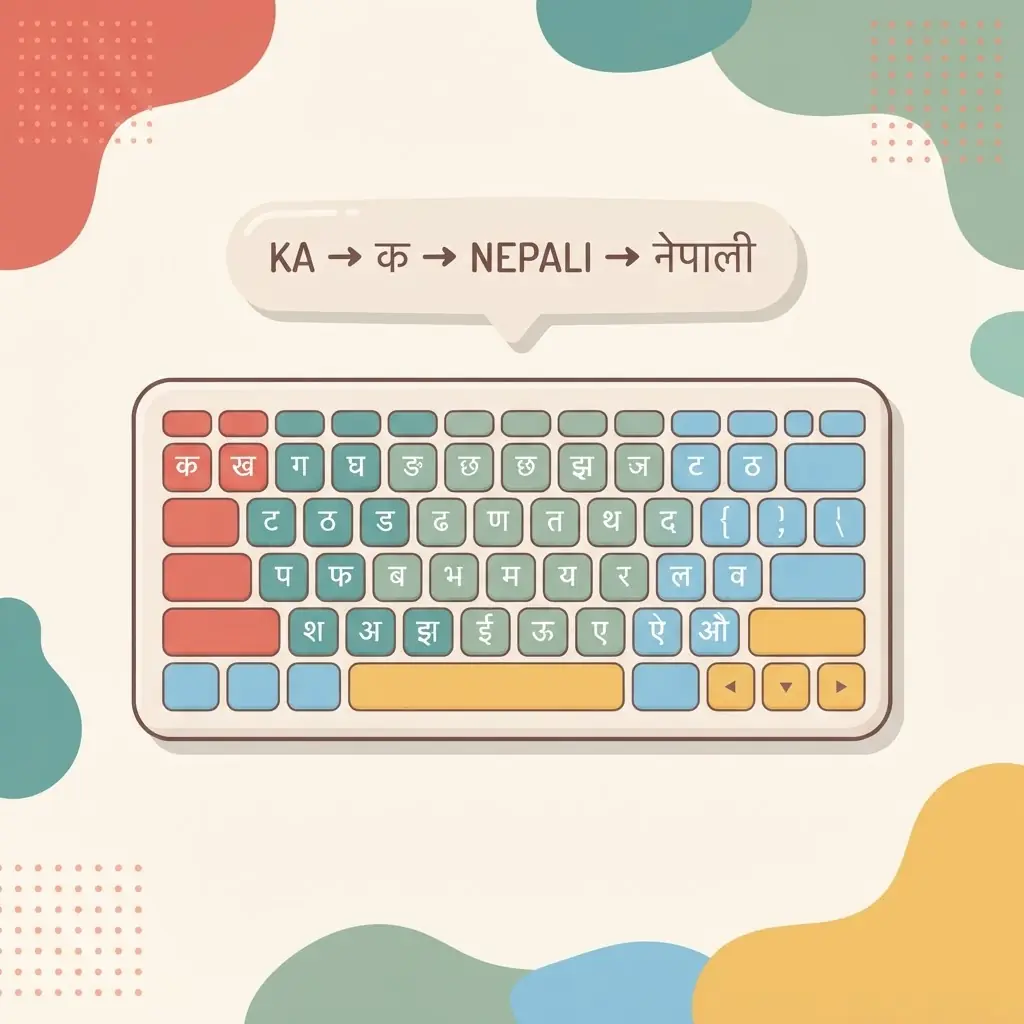
You can produce Unicode Nepali two ways: with the Traditional Nepali keyboard layout (fixed keys), or with romanized input that converts the sound you type into Devanagari. Both produce the same clean Unicode output. ShreePrati teaches the Traditional layout and also offers romanized input, so you can compare them — see the how to type in Nepali guide for a walkthrough.
Practise Unicode typing for free
The quickest way to get comfortable is to type real text. Open the Nepali typing tool to write, copy and download Unicode Nepali, or work through the Nepali typing lessons to learn the Traditional layout key by key.
How Unicode builds Nepali letters
Nepali in Unicode is stored as a sequence of basic characters that your device combines when it displays them. A consonant followed by a vowel sign forms a syllable, so क plus the sign ा shows as का. Conjuncts work the same way: a consonant, the halanta (virama) and another consonant join into one shape, such as क्ष. You type the parts in order, and the font handles the joining for you. This is why the order of your keystrokes matters more than how the final shape looks.
Common problems and how to fix them
- Boxes or broken letters: the device has no font that covers Devanagari. Most modern phones and computers include one; updating the system usually solves it.
- Strange Latin letters instead of Nepali: the text was probably typed in Preeti or a similar legacy font, so the stored characters are English letters. It needs to be retyped or converted to Unicode before it can be shared reliably.
- A vowel sign in the wrong place: check that you typed the consonant first and the vowel sign after it, because Unicode always stores the sign after its consonant even when it appears on the left, as with ि.
Where Unicode Nepali is useful
Because it is plain text, Unicode Nepali can be pasted into emails, chat apps, social media posts, web pages, documents and online forms, and it stays readable and searchable. Text you write in the Nepali typing tool can be copied with one click or downloaded as a .txt file, ready to paste wherever you need it.