English typing speed test
A typing speed test turns a vague sense of “I think I’m getting faster” into two concrete numbers: your words per minute and your accuracy. This guide explains what those numbers mean, what counts as a good score, and how to use a test to guide your practice instead of just chasing a high number.
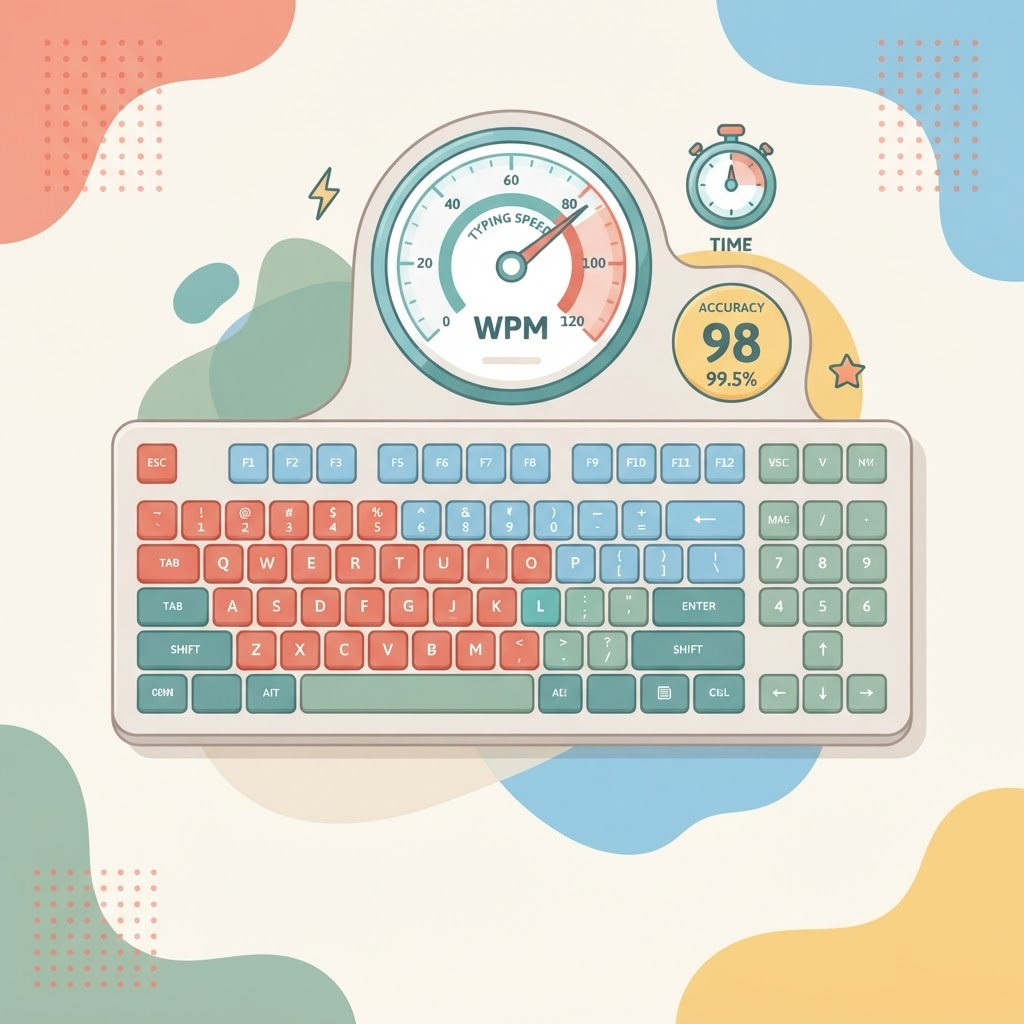
An English typing speed test measures how fast and how accurately you type a passage of real text. It is the single best way to see whether your practice is working, because it gives you an objective score you can beat next time. Take one free on the English typing test page — then use the rest of this guide to make sense of the result.
How typing speed is measured
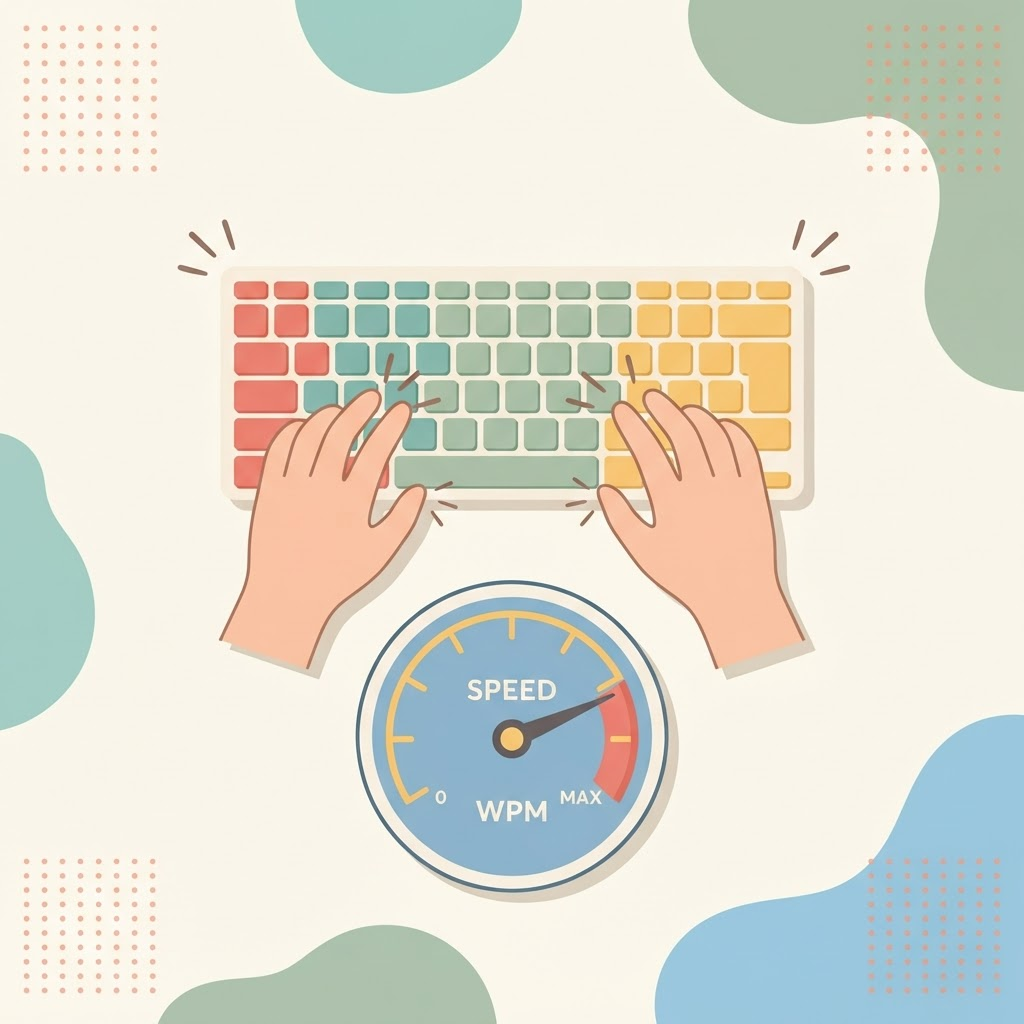
Speed is reported in words per minute (WPM), where a “word” is standardised as five characters, including spaces. That standard is what makes scores comparable: “keyboard” counts as roughly 1.8 words, not one. Most tests show two figures:
- Gross WPM — your raw speed before mistakes are accounted for.
- Net WPM — your speed after errors are subtracted. This is the number that actually matters, because it reflects usable typing.
Why accuracy changes your real speed
Accuracy is the percentage of characters you type correctly, and it quietly controls your net speed. Every mistake costs you three actions: noticing it, deleting it and retyping it. A typist at 50 WPM with 98% accuracy usually gets more done than one at 60 WPM with 90%, because the faster typist keeps stopping to fix errors. That is why every good practice plan puts accuracy before speed.
What is a good typing speed?
| Speed (WPM) | What it means |
|---|---|
| 10–25 | Beginner / hunt-and-peck typing |
| 30–40 | Comfortable everyday working speed |
| 50–70 | Genuinely fast, touch-typing well |
| 80–100+ | Professional / expert typist |
Around 40 WPM at high accuracy is a great first target for everyday use, and 60–70 WPM is very achievable with consistent practice. Aim to beat your own last score rather than someone else's.
How to use your test results
- Read the accuracy first. If it is below ~95%, slow down in practice until it climbs — speed will follow.
- Find your weak keys. Note which letters, digraphs or reaches you consistently mistype, and drill those specifically.
- Retest regularly, not constantly. A quick test once or twice a week shows real trends; testing every session just measures your mood.
- Feed results back into practice. Spend most of your time on practice and lessons, using tests only to steer.
Tips for a fair, accurate test
- Sit with good posture and your fingers on the home row before you start.
- Read slightly ahead of what you are typing to keep a steady rhythm.
- Don't sprint — type at a pace you can sustain cleanly.
- Take the test when you are warmed up, not cold, for a representative score.
Frequently asked questions
How often should I take a typing test?
Once or twice a week is plenty. It is often enough to show progress but rare enough that the bulk of your time goes into actual practice.
Why is my WPM lower than I expected?
Usually because net WPM subtracts your errors, or because test text includes punctuation and capitals that everyday chatting does not. Focus on accuracy and your net speed will rise. Our speed guide covers this in detail.
Is a one-minute test long enough?
A one-minute test is fine for a quick check. A longer passage gives a more stable average because a single slip affects the score less.
Does the type of text affect my score?
Yes. Common words type faster than technical text full of numbers and symbols. Use a consistent test so your scores stay comparable over time.
Take a test and set your baseline
You cannot improve what you do not measure. Take a quick English typing speed test to set your baseline today, then work through the lessons and practice — with the full plan in our complete guide to English typing practice — and retest next week to watch the number climb.