Nepali typing practice: the complete guide
Typing Nepali well is a genuinely useful skill for study, work and everyday messaging — and you can learn it entirely for free in your browser. This complete guide takes you from choosing an input method to touch typing Devanagari, with lessons, daily practice, speed tests and games in the order that actually works.
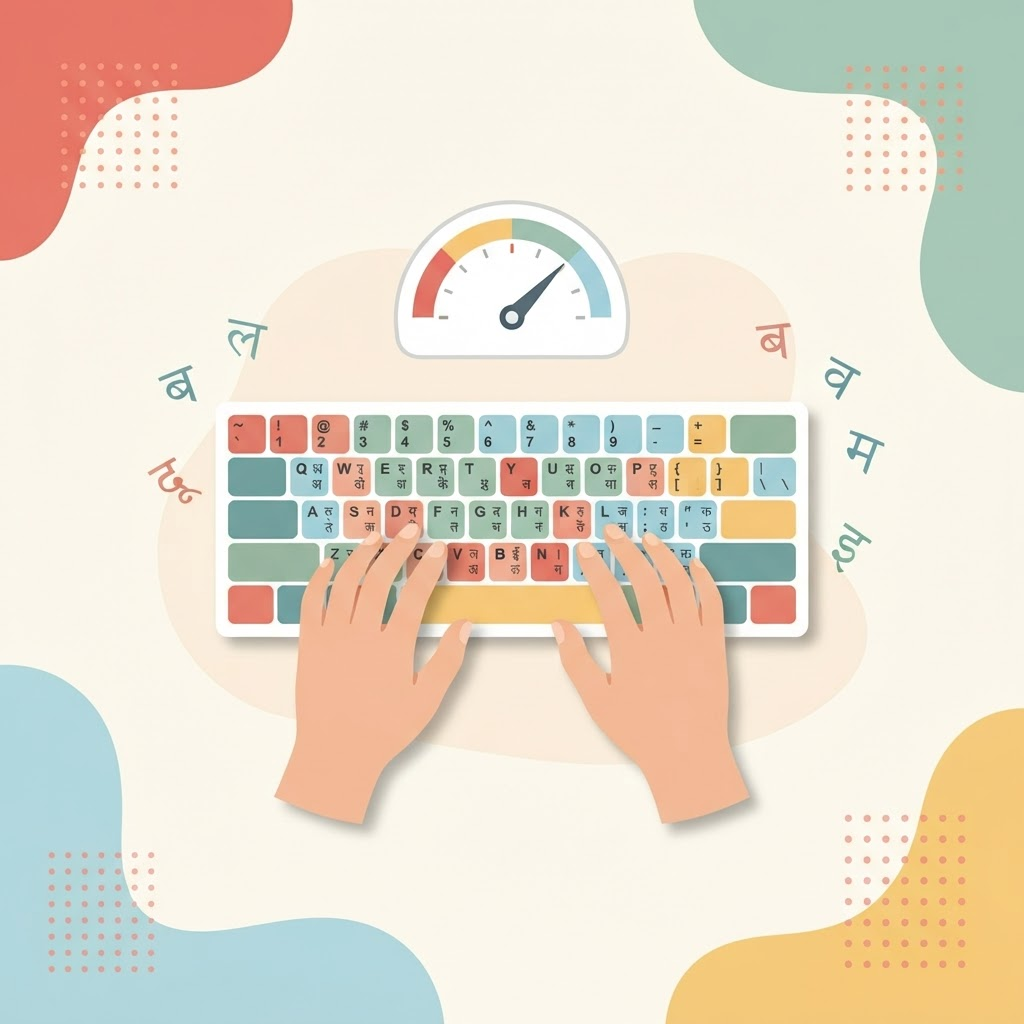
Most people who need to write नेपाली teach themselves a slow, hunt-and-peck style and never get faster. It does not have to be that way. Nepali typing practice, done in the right order, will take you from picking out one character at a time to typing Devanagari smoothly without looking. This guide is the full roadmap, and it links to the free tools for each stage so you can start immediately on the Nepali typing page.
Step 1: Choose how you want to type Nepali
There are two common ways to write Nepali, and the right one depends on how often you type and how fast you want to be:
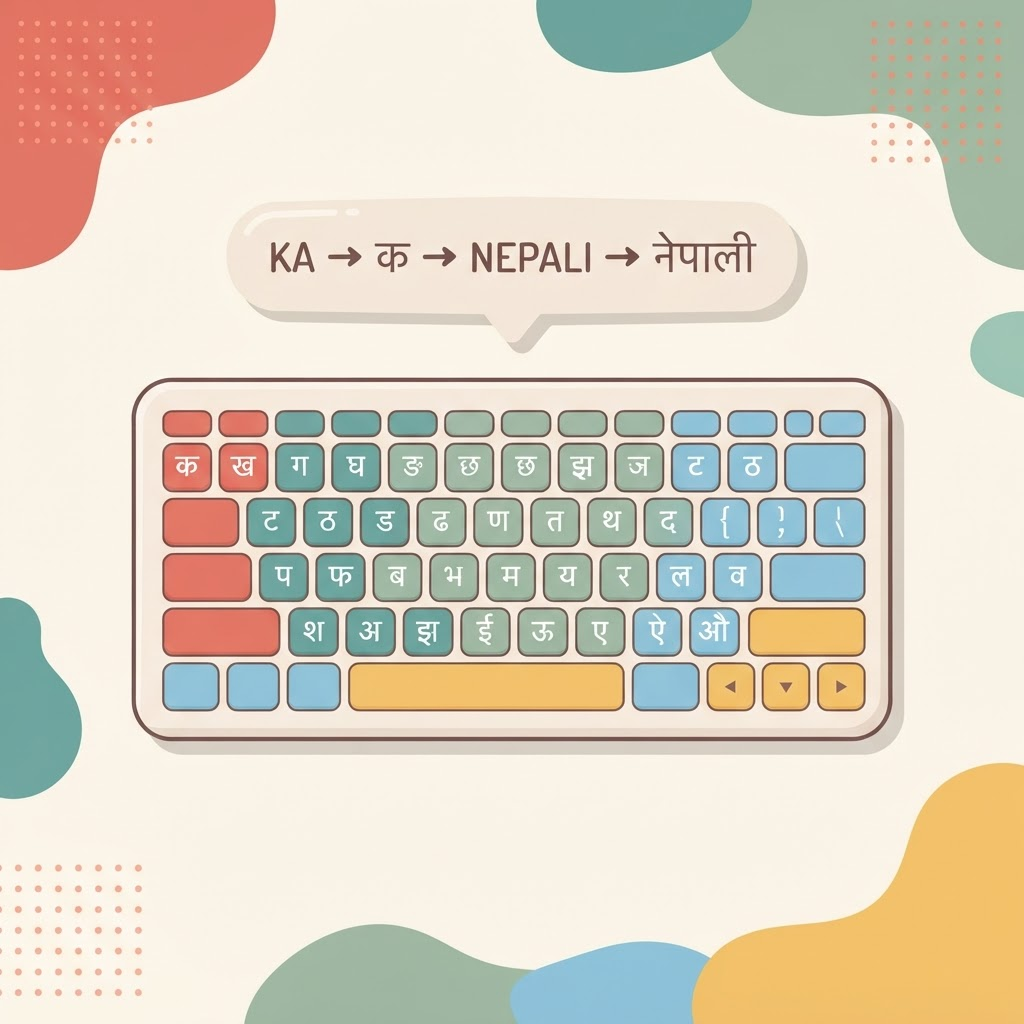
- Traditional Nepali keyboard (Unicode). Each key maps to a fixed Devanagari character. It takes longer to learn, but it lets you touch type Nepali quickly without thinking in English.
- Romanized input (transliteration). You type the sound in English letters — for example namaste — and it becomes नमस्ते. It is the easiest way to start if you already type English.
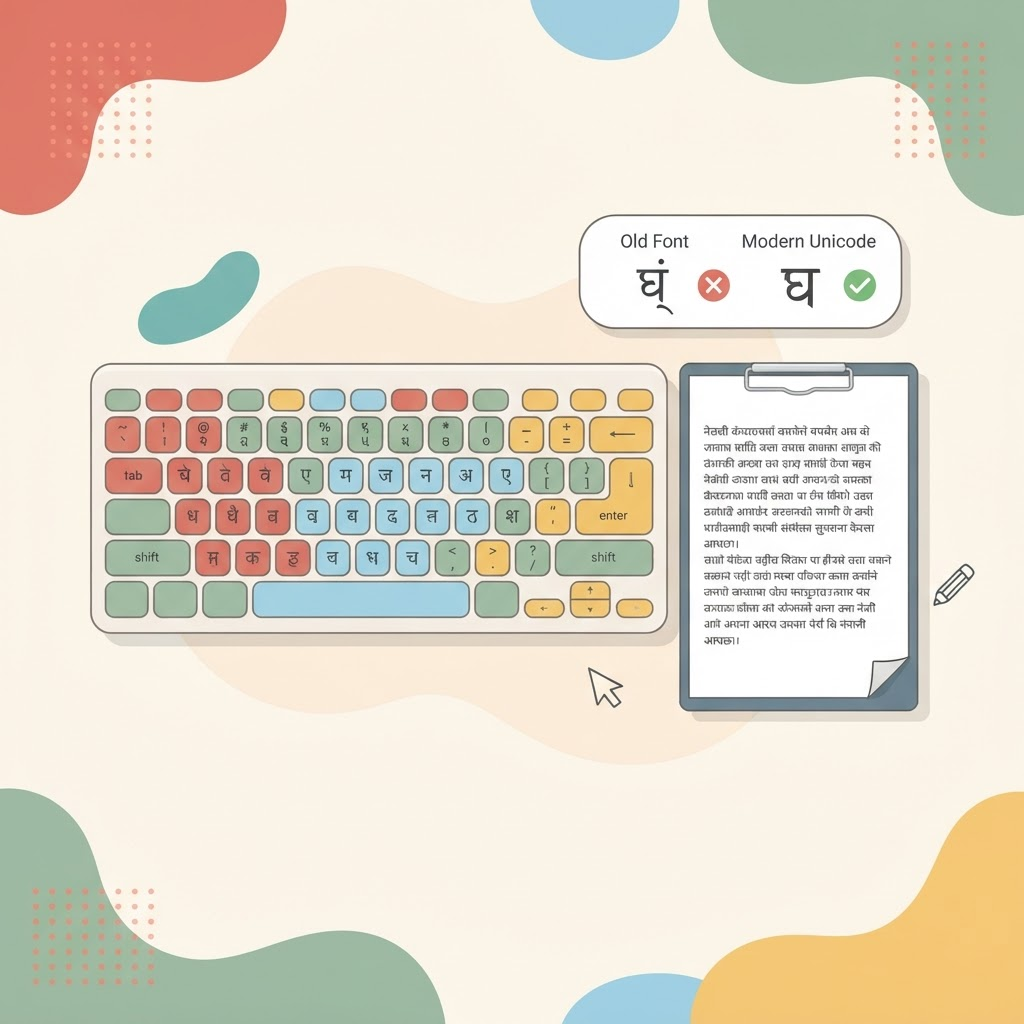
New to the choice? Our beginner's guide to typing in Nepali compares both in depth, and Nepali Unicode typing explained covers why Unicode works everywhere and how it differs from old Preeti font typing.
Step 2: Set up your posture and hands
Good technique starts before the first key. Sit up straight with feet flat on the floor, float your wrists just above the keyboard rather than resting them, and keep your fingers curved. Place your fingers on the home row and feel for the small bumps on the F and J keys so you can return to position without looking down.
Step 3: Learn the layout with structured lessons
The fastest route to fluent Nepali typing is the Traditional layout, learned group by group. Start with the Nepali typing lessons, which begin with the first consonant groups (क वर्ग) and add a new group at a time. The guided on-screen keyboard highlights the next key and the finger-colour guide shows which finger to use, so you build correct habits from the first minute. Stay on each group until it feels comfortable before moving on.
Step 4: Practise with real Nepali words
Isolated characters build finger position, but real writing is made of words, matras (vowel signs) and conjuncts. Move to Nepali typing practice to type real text that gradually gets harder, so you are always slightly challenged but rarely stuck. Pay attention to how matras attach to consonants and how common conjunct letters are formed — these are what make Nepali feel different from typing English.
Step 5: Measure your speed and accuracy
Once you can type words without hunting, take a short Nepali typing test to measure your speed and accuracy. Testing does two things: it shows concrete progress, which keeps you motivated, and it reveals the specific characters, matras or conjuncts that slow you down so you can drill them directly.
Step 6: Keep it fun with typing games
Showing up every day matters more than any single session, and boredom is the enemy of a daily habit. When a drill starts to feel repetitive, switch to the Nepali typing games. Games disguise repetition as play, so your fingers relax and your natural speed comes out while you keep practising the same movements.
A realistic daily routine
- 2–3 minutes warm-up: a lesson group to reset your hand position.
- 8–10 minutes focused practice: real Nepali text on the practice page, at a pace where you make very few mistakes.
- 2–3 minutes measurement: a quick test once or twice a week.
- 3–5 minutes fun: a game to finish on a high note.
Romanized input for a quick message today
If you need to write Nepali right now while you learn the Traditional layout for the long term, open the Nepali typing tool, switch the input toggle to Romanized, and type words the way they sound. You can switch between Traditional and Romanized at any time, so there is no need to choose one forever.
Frequently asked questions
How long does it take to learn Nepali typing?
With fifteen focused minutes a day, most beginners can type common Nepali words without hunting within a week or two, and reach a comfortable working speed within a couple of months. The early days feel slow — that is normal and temporary.
Should I learn Unicode or romanized typing?
If you type Nepali often or for exams and work, learn the Traditional Unicode layout — it removes the guessing step and lets you touch type. Romanized input is perfect for occasional writing. Many people use both. See how to type in Nepali for a full comparison.
Is Unicode the same as Preeti?
No. Preeti is an old font-based system that only displays correctly where that font is installed, while Unicode is the modern standard that works everywhere — websites, phones, search and social media. Our Nepali Unicode guide explains the difference.
Do I need a special keyboard to type Nepali?
No. Everything works on a normal English keyboard through the on-screen layout, so you do not need to buy or relabel any hardware.
Can I practise Nepali typing for free?
Yes — every tool linked in this guide, including lessons, practice, tests and games, is completely free and runs in your browser.
Where to go next
You have the full roadmap. Start with the lessons, build up through practice, measure yourself with the tests and keep it fun with the games — everything is gathered on the Nepali typing page. If you also want to type faster in English, the same method is in our complete guide to English typing practice.