Developer tools: the complete guide
Developer chores rarely need a heavyweight app — they need a quick, reliable utility that runs in the browser and never uploads your data. Converting between data formats, turning HTML into a PDF, and checking your connection speed are the sort of small jobs that interrupt real work, and each has a purpose-built tool that gets you back on task in seconds.
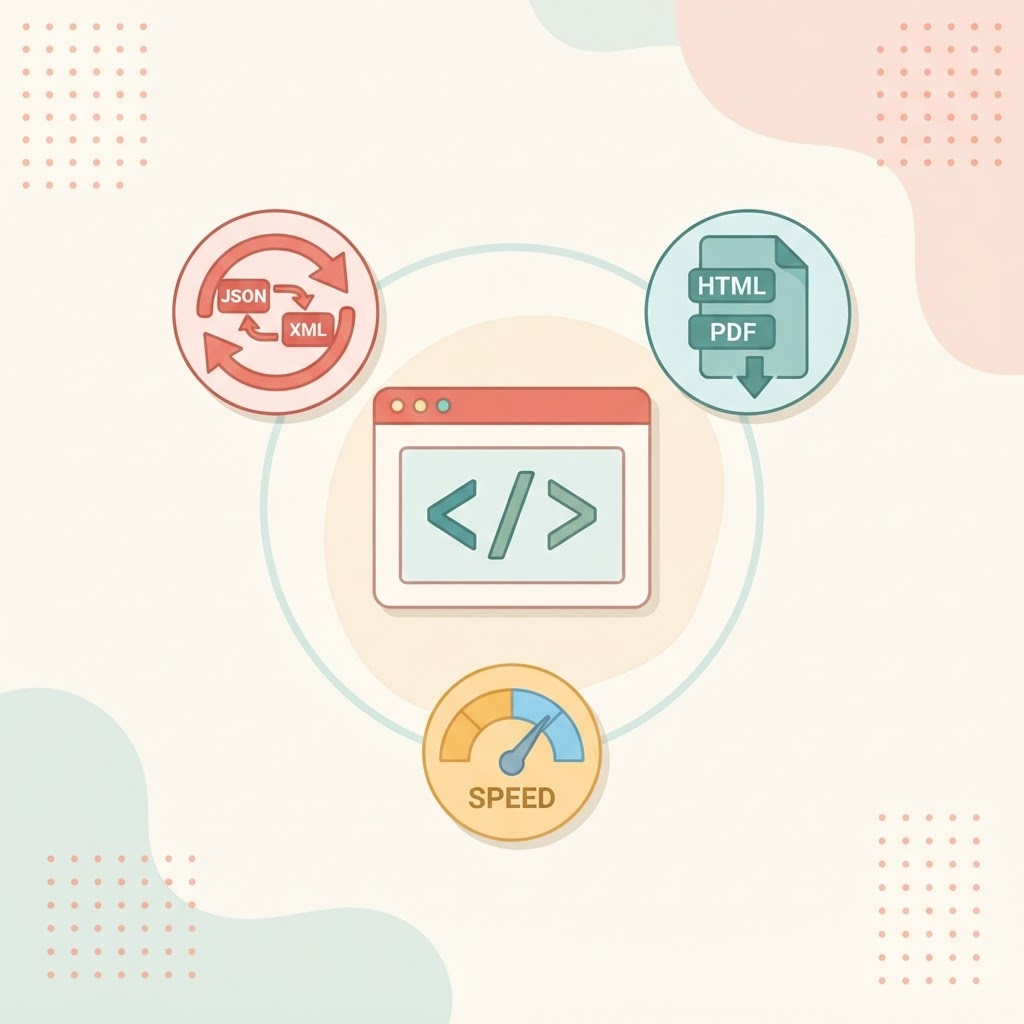
This guide is a map of the free developer tools and which one to reach for. Everything runs locally in your browser — no sign-up, no installs, and nothing sent to a server — so they are safe to use on code and data you would not paste into a random website.
Convert data between formats
The data converter moves structured data between common formats so you can paste in one shape and copy out another — useful when an API speaks one language and your config or test fixture needs another. It is the tool to reach for whenever you are hand-translating between formats and want to skip the tedium and the typos.
Turn HTML into PDF
The HTML to PDF tool renders HTML markup into a downloadable PDF — handy for generating a printable invoice, receipt or report from a template without wiring up a headless browser in your own stack. For the broader set of PDF operations, see the complete guide to working with PDF files online.
Test your connection
The WiFi speed test measures real download and upload speed, ping and jitter using actual data transfer — a fast sanity check when a deploy, upload or video call feels slower than it should.
Which tool for which task
| Your task | Reach for |
|---|---|
| Reshape data from one format to another | Data converter |
| Generate a PDF from HTML markup | HTML to PDF |
| Check download, upload and ping | WiFi speed test |
More developer utilities on the way
The developer toolkit is growing. Planned additions include a JSON formatter, Base64 and URL encoders, a UUID generator, a password generator, a hash generator and a colour converter — all running in the browser like the tools above. Check the developer tools page to see what has gone live.
Frequently asked questions
Are these developer tools free?
Yes. Every tool on the developer tools page is free with no account required.
Is my data uploaded anywhere?
No. The data converter and HTML-to-PDF tools process your input in the browser, so your snippets and files never leave your device.
Do I need to install anything?
No. Everything runs on the web page itself — open the tool and start working.
Browse all developer tools
Open the developer tools page to see the full set, or jump straight to the data converter, HTML to PDF or WiFi speed test if you already know what you need.