Productivity tools: the complete guide
Staying productive is less about big systems and more about small, frictionless helpers: a timer to protect a block of focus, a counter to track progress, and a quick check that your tools are not slowing you down. This guide maps the productivity tools available now and the ones on the way, so you always know which one to reach for.
This guide is a map of the free productivity tools. Each runs instantly in your browser — no sign-up, no installs — so you can open one, use it, and get back to work without a detour.
Check what is slowing you down
When uploads stall, calls stutter or a page crawls, the WiFi speed test measures your real download and upload speed, ping and jitter so you can tell a network problem from an app problem before you lose more time to it. It is the productivity tool that is fully live today.
Focus, timing and counting — coming soon
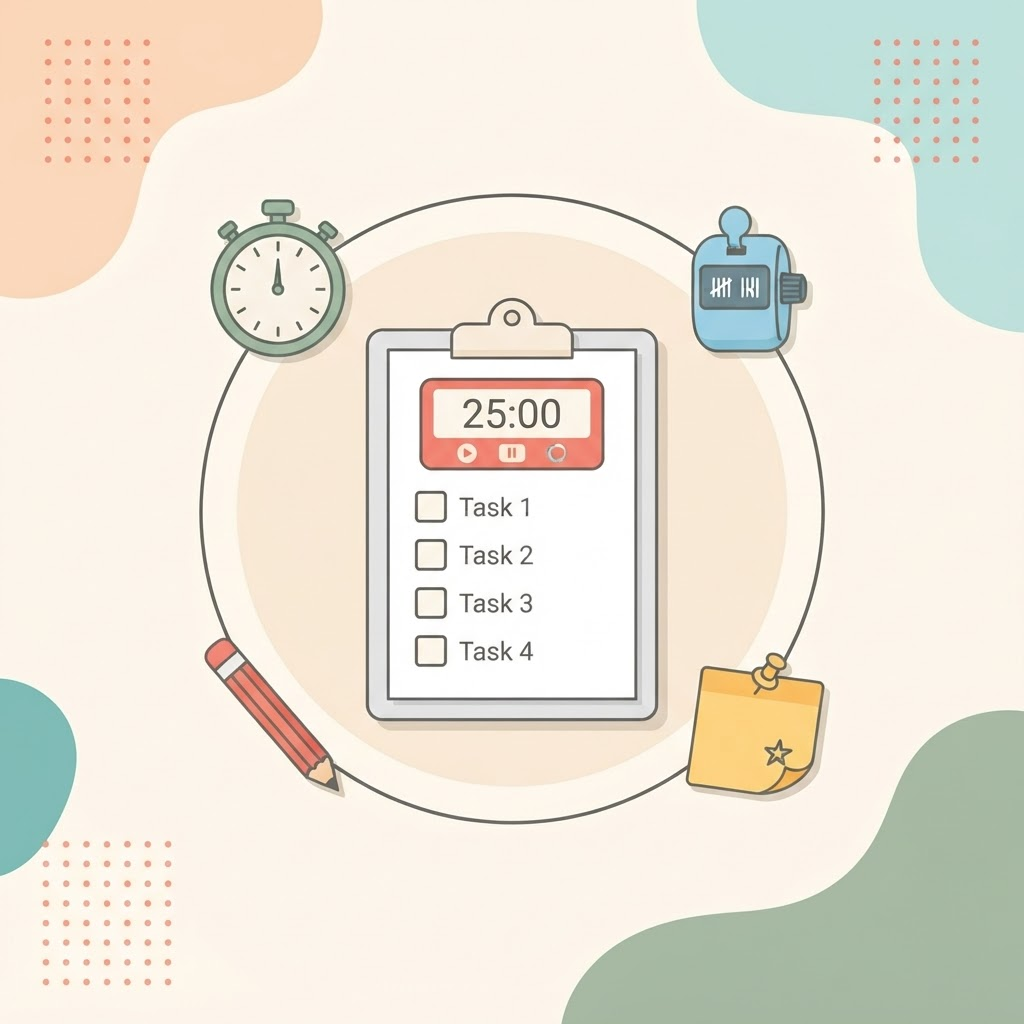
The productivity toolkit is expanding with a set of small, focus-friendly utilities:
- Pomodoro timer — work in focused intervals with short breaks.
- Stopwatch — a precise timer for anything you want to measure.
- Countdown — count down to a deadline or event.
- To-do list — a simple, no-friction task list.
- Word counter — count words and characters as you write.
- Case converter — switch text between upper, lower and title case.
Check the productivity page to see which of these have gone live.
Which tool for which moment
| Your moment | Reach for |
|---|---|
| Something online feels slow | WiFi speed test |
| Protect a block of deep focus | Pomodoro timer (coming soon) |
| Track how long a task takes | Stopwatch (coming soon) |
| Keep a quick list of tasks | To-do list (coming soon) |
Frequently asked questions
Are these productivity tools free?
Yes. Every tool on the productivity page is free with no account required.
Which productivity tools are available right now?
The WiFi speed test is live today. Timers, counters and text helpers are on the way — the productivity page always shows the current status.
Do the tools store my data?
No. They run in your browser, so nothing you enter is uploaded to a server.
Browse all productivity tools
Open the productivity page to see everything available now and what is coming next, or run a quick WiFi speed test if your connection feels off.